
Screenshot Assistant
Updated Jul 27, 2026 · vVARY




Hold the Home or Power button to take screenshots
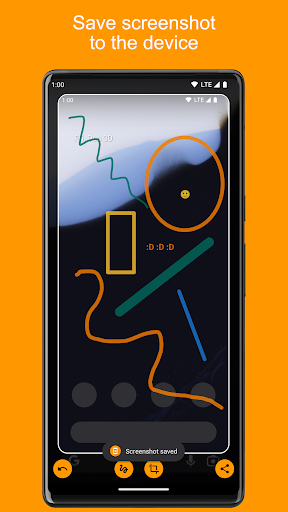
Take screenshots with one of the gestures below. Available gestures depend on your device, Android version, and navigation mode: Samsung and Google Pixel: • Android 15 or newer: hold the Power button • Android 14 or older: hold the Home button with 3-button navigation, or swipe up from a bottom corner with gesture navigation Xiaomi: • Android 15 or newer: hold the Power button, hold the Back button with 3-button navigation, or swipe up from a bottom corner with gesture navigation • Android 14 or older: hold the Home button with 3-button navigation, or swipe up from a bottom corner with gesture navigation Other devices: • Android 15 or newer: hold the Power button, hold the Home button with 3-button navigation, or swipe up from a bottom corner with gesture navigation • Android 14 or older: hold the Home button with 3-button navigation, or swipe up from a bottom corner with gesture navigation Features: • Crop screenshots to the desired size • Draw on screenshots • Save screenshots to your device • Share screenshots with your friends How to configure the app: • From the Home screen, navigate to Settings • Select Apps • Press the Settings icon in the upper-right corner • Select Assist & voice input • Press Assist app and select Screenshot Assistant
9 years on Google Play
This app isn't currently appearing in any tracked top charts.