
Private Notepad - safe notes
Updated Aug 29, 2026 · v6.12.1




Secure notepad with password: create notes and lists, add photos, set reminders
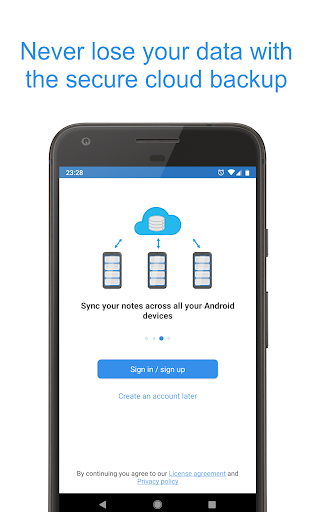
Private Notepad is a secure notepad app that allows you to create secret notes and reminders and to organize data in lists (to do list, checklist, shopping list). Store your photos in a private vault, backup your data to the secure cloud and sync it across your devices. Text and photos are securely encrypted. Create safe notes with this notepad! Features: - Offline access: access your notes without internet connection - Checklist: plan your day with to do list, make shopping list, grocery list - Autosave: the notepad will save your notes automatically while you edit them - Password protection: protect your notes and checklist with password, PIN-code or pattern - Folders: organize your notes using folders - Photo vault: add photos and images to your secure notes - Encryption: your notes and photos are always stored encrypted with AES standard which is used in banking systems - Intruder's photo: the notepad will notify you about wrong password attempts and will show you a photo of the intruder - Fingerprint access: open your notes and checklists with one touch - Labels: group your notes and to do list with labels to find them easily - Colors: make your notepad more colorful - paint your notes with your favorite colors - Cloud sync: backup and sync your notes across your devices using the secure cloud - Reminders: add reminders to your notes to remember important things - Undo button: undo last changes while you edit a note or to do list - Data hiding: enable hiding the most critical notes if someone tries to break into your private vault - Self-destruction: enable destroying the most critical notes if someone tries to break into your private vault - Selective protection: protect only particular notes or to do list with password - PDF and TXT files: export your notes to PDF and TXT files or convert the existing file to your notes - UI themes: select from several notepad themes for a custom look - Support: FAQ will help you to work with notes, checklist and reminders. Also you can always contact support if you have some questions Permissions - Camera: the notepad uses it for taking pictures of intruders - Contacts: required to backup notes to your Google Drive - Storage: required for exporting notes to the phone memory - Network access and Internet: the notepad uses it for for syncing notes with cloud - Billing service: required for purchasing premium version - Fingerprint hardware: required for the fingerprint access - Preventing notepad from sleeping: required for disabling the sleep mode in some situations
11 years on Google Play
This app isn't currently appearing in any tracked top charts.